StarPlatinum
Match zodiac cards, build dazzling combos and catch the runaway star-souls! A sparkly card duel for Windows PC — with English menus, story and dialogue. 🌟
📦 Download file: SP_Platinum.zip — English Edition
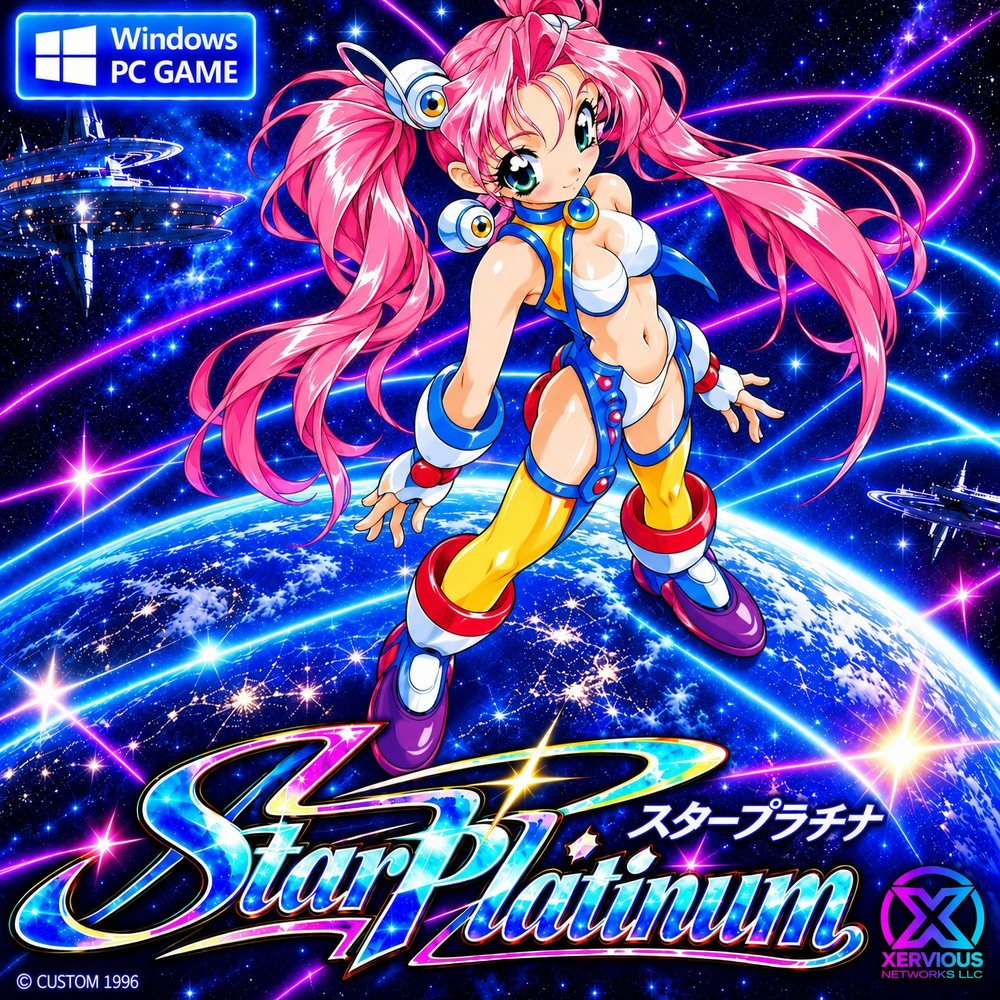
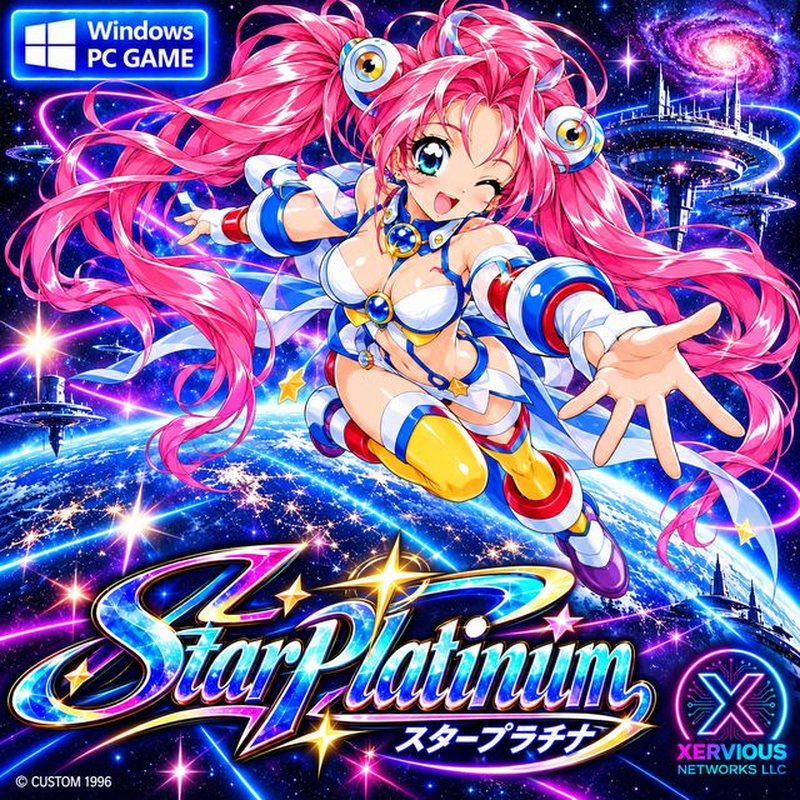
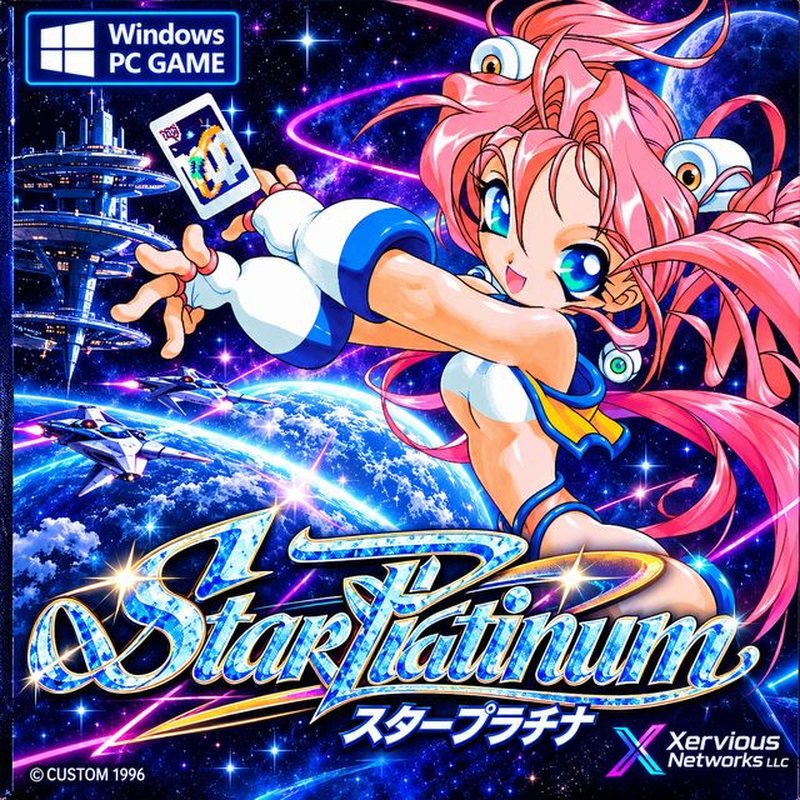
What is Star Platinum?
Star Platinum is a card-matching duel a little like poker meets Go Fish, played with the twelve zodiac signs. It was born on Windows 95 and thanks to tidy coding it still runs great today! 🎀
— Ryucy, your tiny fairy guide ♡🌌 The story
High in the realm of gods, a trainee goddess was told never to open the box of star-souls… but curiosity won! The star-souls escaped, turned her into a tiny fairy (that's Ryucy!) and fled to Earth.
Now she has to catch every last one before the goddess comes home. ⭐
Why you'll love it
English everywhere
Menus, chapters and dialogue are all translated.
Easy to learn
Match zodiac cards and build sets. The in-game Help teaches you everything.
10 scoring combos
From humble Stardust to the glittering Quintile!
Story mode
7 chapters, 7 rivals, and a happy (or not-so-happy) ending.
Instant action
Jump into a quick duel with everything unlocked from the start.
One-click launcher
Windows XP mode and 16-bit colour are switched on for you.
Peek at the art
Tap any picture to see it bigger 💕
Launch in 4 steps
Unzip everything
Right-click SP_Platinum.zip → Extract All into a normal folder like Documents\Games\StarPlatinum. Don't run it from inside the zip, and avoid Program Files — the game saves next to itself.
Double-click “Play Star Platinum”
The launcher turns on Windows XP mode and 16-bit colour for you. 🎀
Blue “Windows protected your PC” box?
Totally normal for small hobby programs. Click More info, then Run anyway. You only see it the first time.
Wait a few seconds…
A window called “StarPlatinum ENGLISH!” opens with the title screen. Pick Story mode! 🌟
Cheat sheet
Get Star Platinum
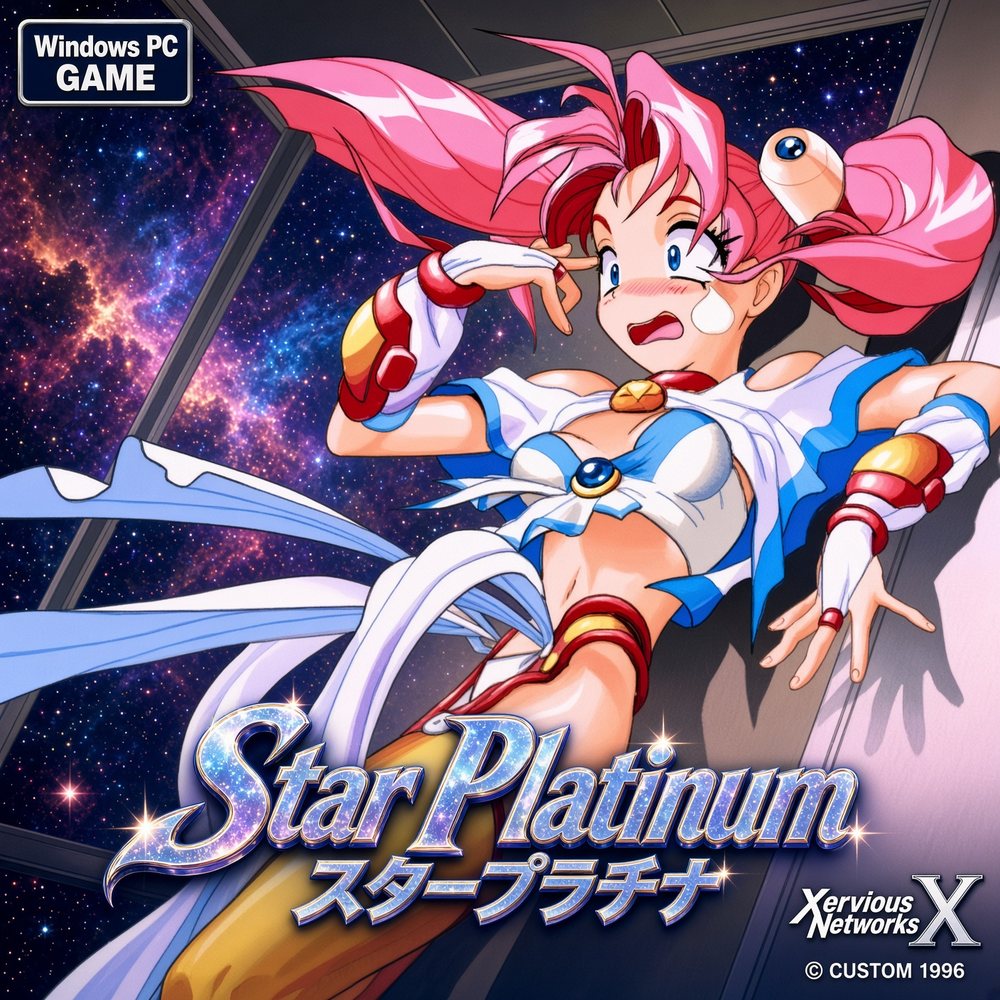
Star Platinum — English Edition
スタープラチナ・英語版
- Complete game: SP_Platinum.zip (English)
- One-click launcher + Quick Guide
- 48 zodiac cards · 7 rivals · 7 chapters
- For Windows PC
🔒 Secure payment via PayPal. Your download link is shown right after payment.
Oops! Something's off?
Nothing happens, or the window flashes and closes
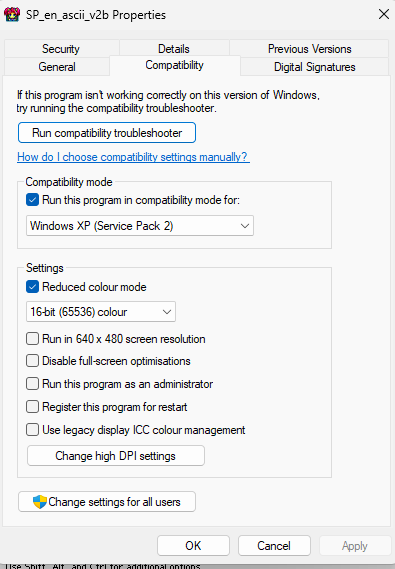
Make sure DDraw.dll and WINMODE.TXT are in the same folder as the game, and that you extracted the zip instead of running it from inside. Still stuck? Try the manual way (right-click the game → Properties → Compatibility → Windows XP SP2 + 16-bit colour).
My antivirus blocked the launcher
Tiny unsigned launchers sometimes trigger false alarms. Restore it from quarantine and allow the folder, or skip the launcher and use the manual way.
The colours look a bit reduced
That's the 16-bit colour mode keeping this old game happy on a modern PC 💕 For the prettiest pictures set H-image mode to High color in the game's Options.
The game gets weird when I switch windows
Old games don't love being swapped away from. Stay inside the game while you play. If it gets confused, quit with F12 and start again.
My progress wasn't saved
The game saves by itself when you win a round (there's no manual save) and writes STARPLAT.SAV into its own folder — so keep it in a normal folder, not inside the zip and not in Program Files.
How do I quit?
Choose Quit game in the main menu, or press F12.
How do I get my download after paying?
PayPal brings you straight back to a thank-you page with your download link. Keep that link safe!