Carrara 3D Anime Workshop 🛠️
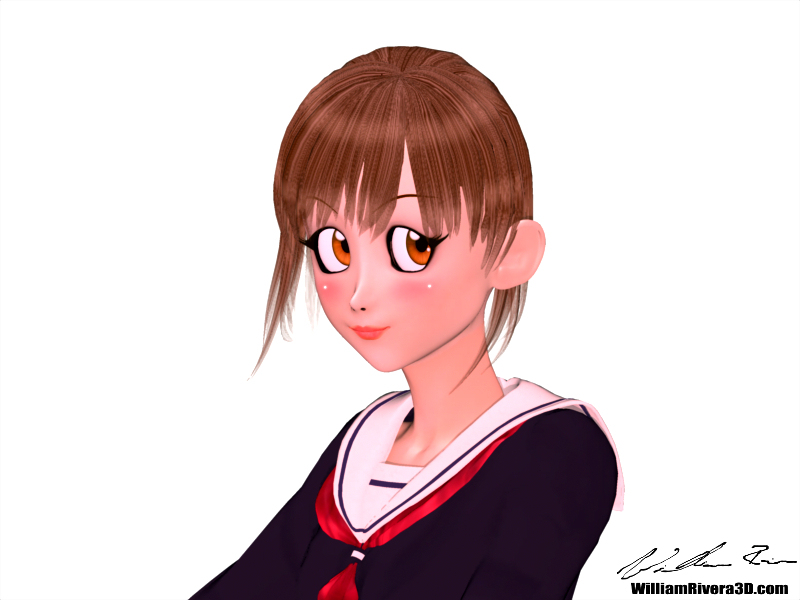
I'd like to share some skills I use to render anime characters, I flatten the character making it look 2D. I use Carrara but it might be possible in Daz Studio.
Key Anime Features: Ear Pulled, Square Big Eyes, Small Mouth, Unrealistic Skin, and "Light Bulbs" on cheeks.
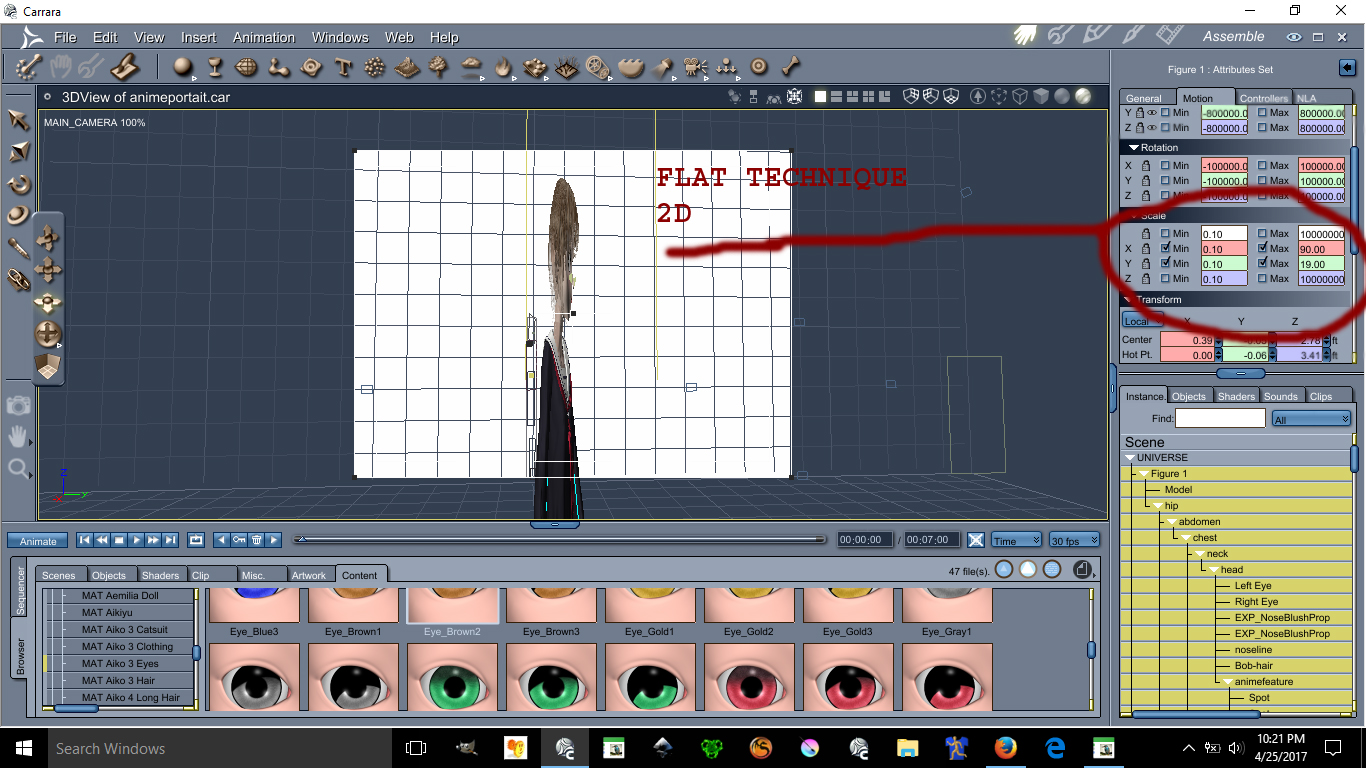
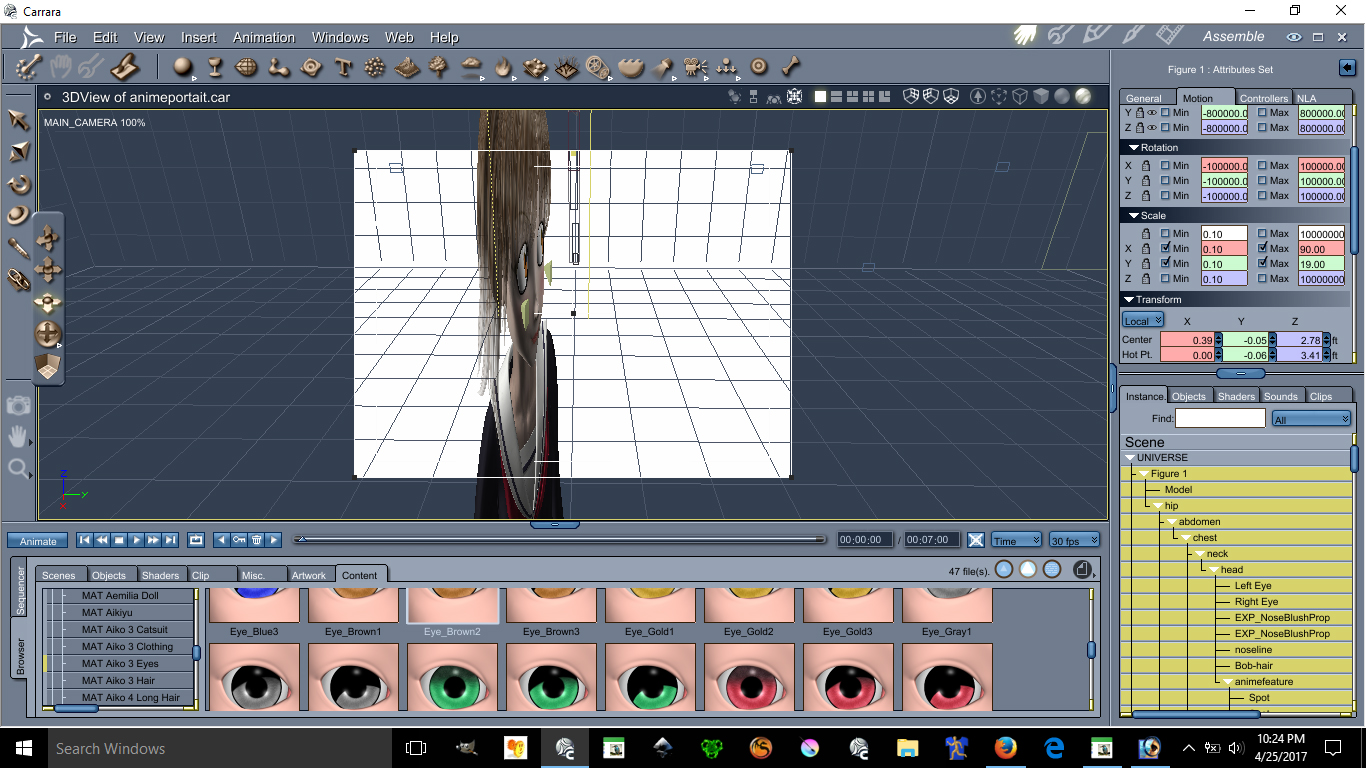
Using the Scale X and Scale Y modifiers can make the flattening of a character possible; you can make her as flat as you want.
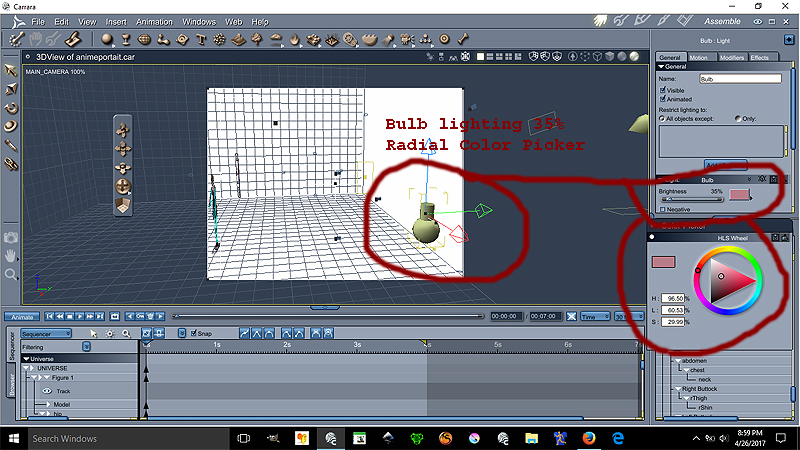
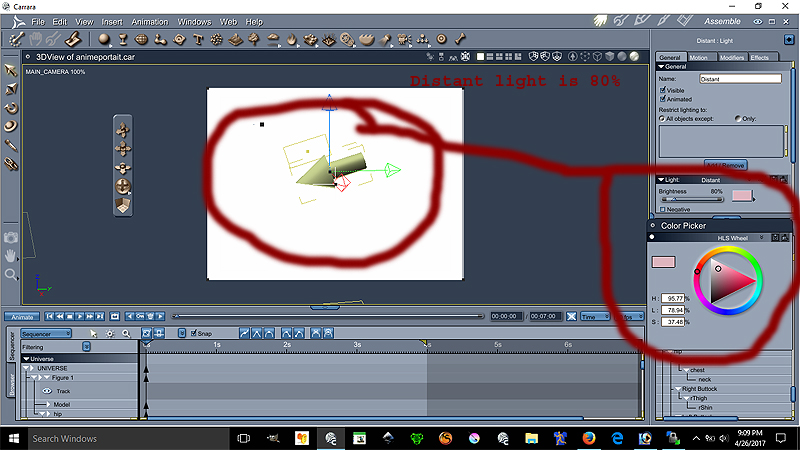
To achieve that specific anime skin tone, we use a combination of a "Light Bulb" for soft highlighting and a Distant Light for pinkish ambient illumination.
Light Bulb Settings (Cheek/Face)
Distant Light Settings (Environment)
The "Ear Pulled" look is a very important anime feature disregarded by many. We will place our lovely model facing forward for better teaching. This model is Aiko 3 with Kioki morph.
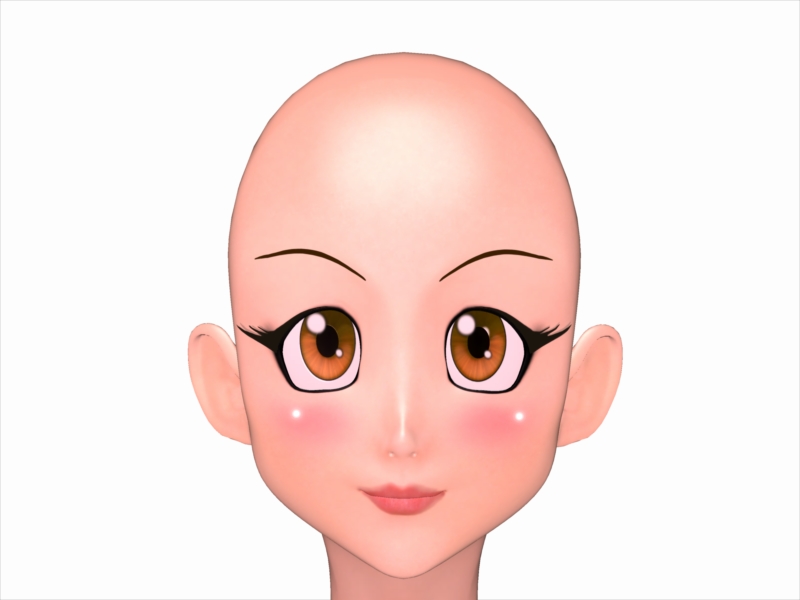
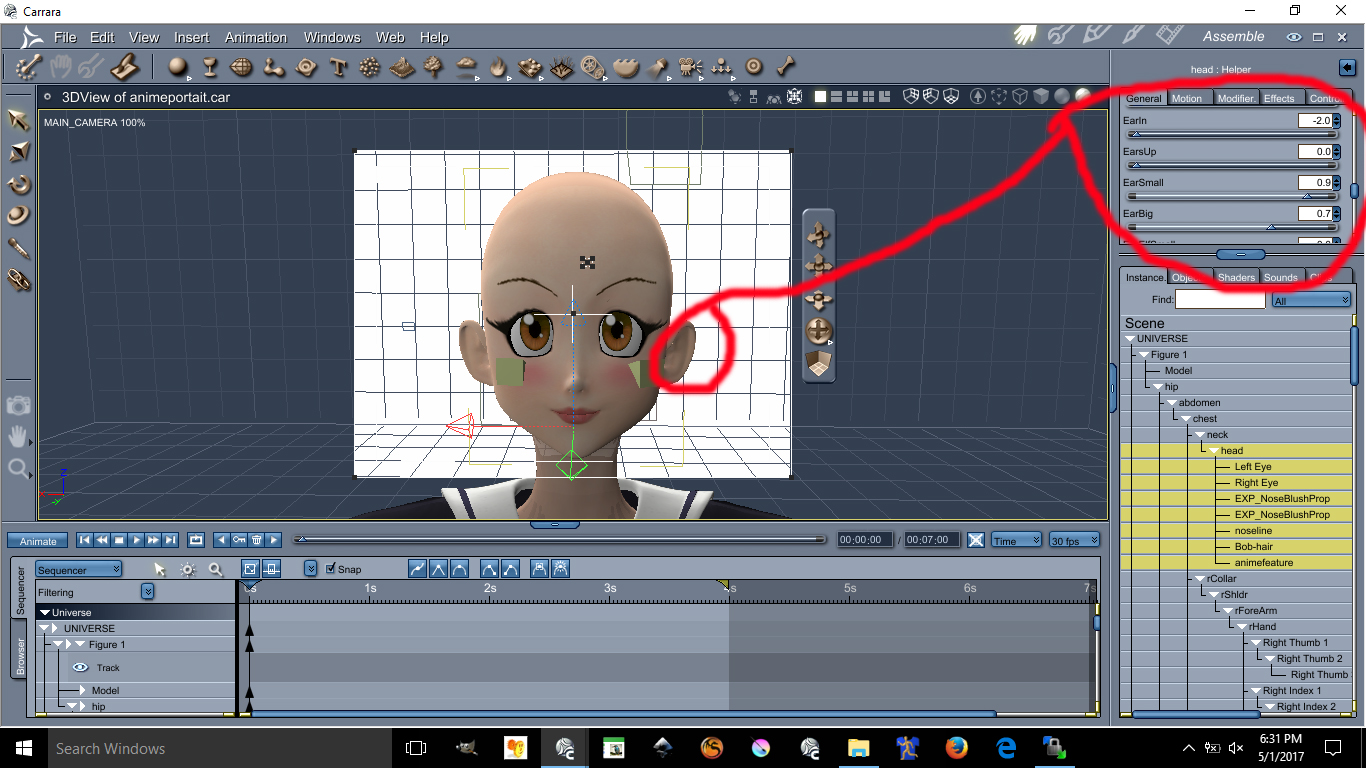
Ear Morph Parameters
I doubt you can do these with Aiko 4 or up. I always recommend Aiko 3 for your anime needs.
The triangular chin cannot be done using Aiko 3 alone. You need Kioki for Aiko 3 to make this triangular chin. Without Kioki, I do not think you can create such a perfected Anime Chin.
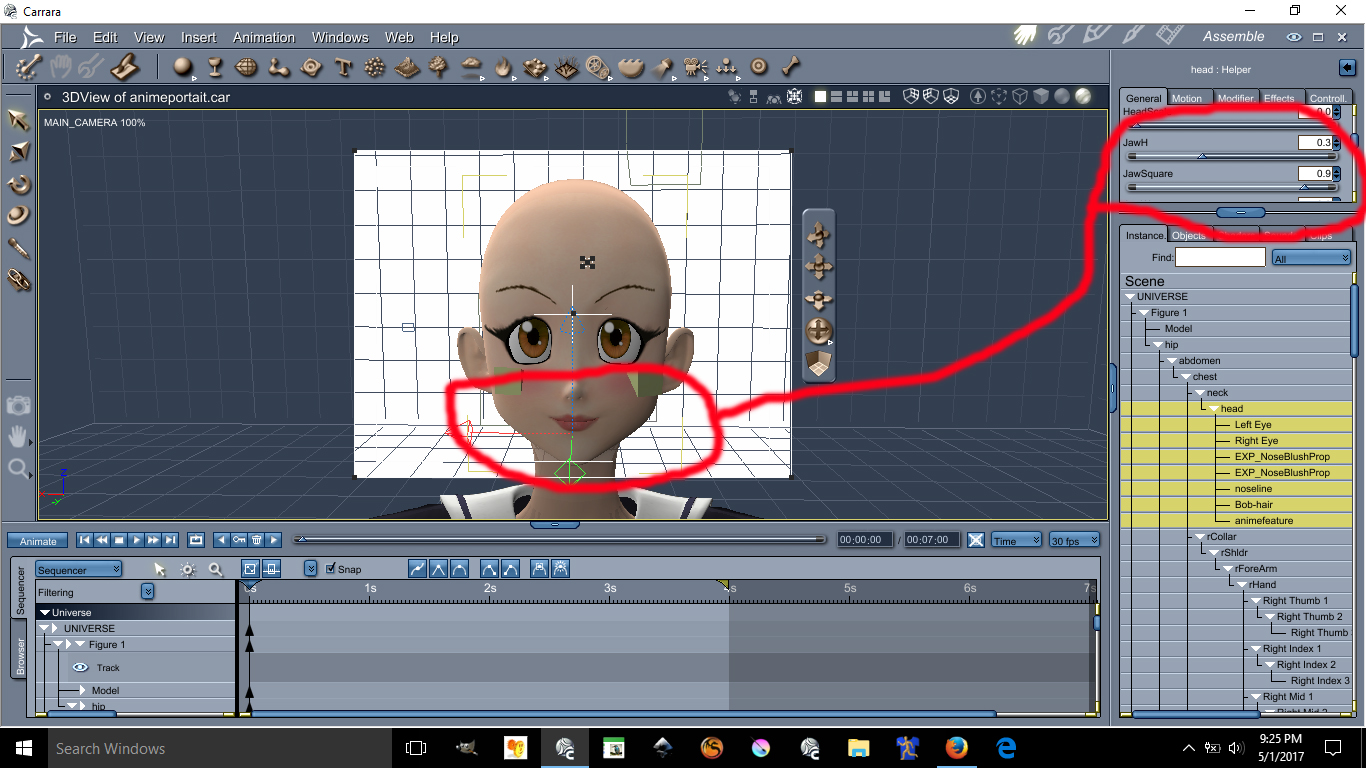
Jaw Morph Parameters
Possibly the hardest and most tedious part is morphing these eyes into an anime style shape. First you need to darken the eye socket material; by making the eyes socket material dark it will create a dark outline all around the eyes.
I recommend "Dumb or Anime Eyes for Victoria 3" (Victoria 3 Eyes fit on Aiko 3) @ Archive Link.
Complete Eye Morph Values
Head Shape & Nose Values
Doing the HDStylized will automatically make the nose small and give the head an anime style.
About the Cheek Lights and Skin will required some photoshop and some advance lighting in Carrara. I am not going to discuss these here if you are still interested in those send me a email.
CONTACT: wrr@3dcgx.com